Devilish Services Downloads
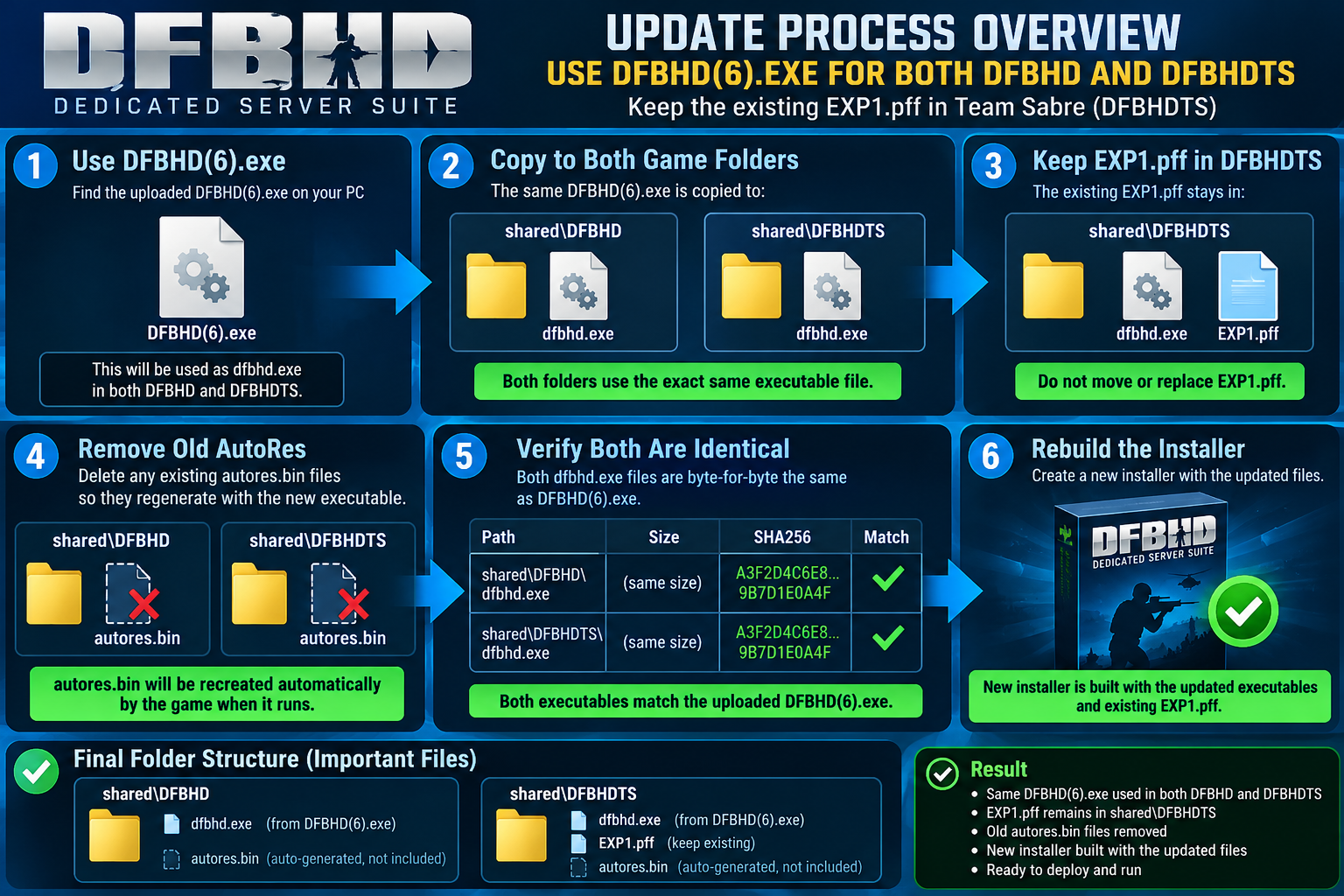
Devil-DFBHD-Dedicated-Server-Suite-Setup.exe
The Devil-DFBHD-Dedicated-Server-Suite is an all-in-one dedicated server package for Delta Force: Black Hawk Down and Team Sabre.
It provides separate DFBHD and DFBHDTS runtimes, integrated HawkSync server management, automatic map loading from PFF files, configurable server settings, tick-rate options, remote administration, and support for running dedicated game servers from a single streamlined installation.
The suite is designed to simplify server setup, configuration, management, and deployment while keeping both Black Hawk Down and Team Sabre support in one package.
It provides separate DFBHD and DFBHDTS runtimes, integrated HawkSync server management, automatic map loading from PFF files, configurable server settings, tick-rate options, remote administration, and support for running dedicated game servers from a single streamlined installation.
The suite is designed to simplify server setup, configuration, management, and deployment while keeping both Black Hawk Down and Team Sabre support in one package.
FL
DFBHD_Lobby_URL_Patcher.zip
Download from Devil-Software.

Devil_dfbhd_update_012105_xx.exe
Devil DFBHD Updater 1.8.0.4 adds selectable Direct3D 8, stable Direct3D 9, and experimental Direct3D 12 renderer modes, improved resolution handling, automatic fallback from known D3D12 crashes, licence/token validation, and built-in software updates while keeping game launch behavior simple and stable.
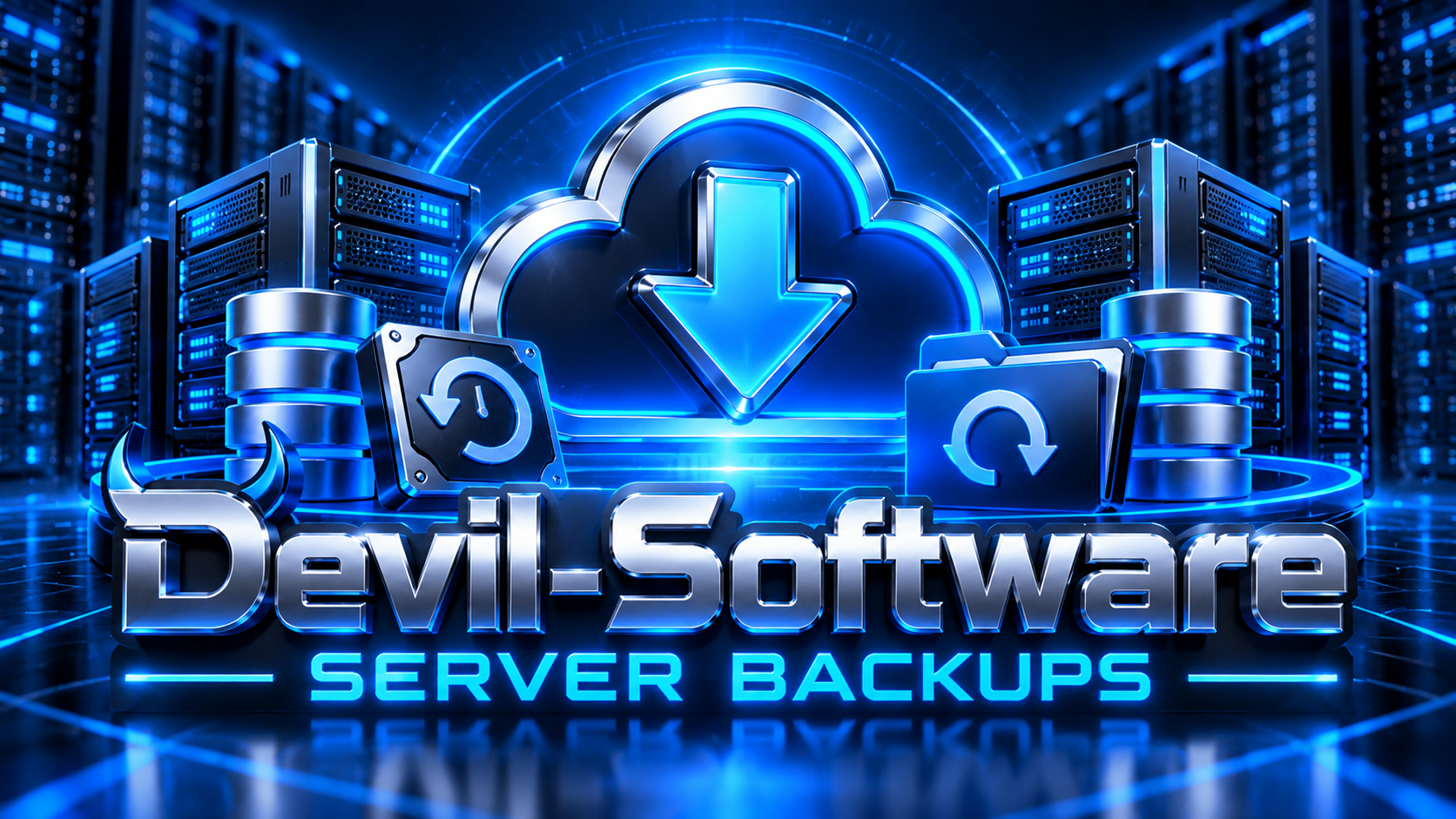
DevilBackup-x64-Setup.exe
Devil Backup is a secure Windows backup and restore solution designed for servers, game servers, applications, and important data.
Devil Backup is specifically designed to back up folders and the files and subfolders contained inside them. You choose the folders you want protected, and Devil Backup creates a separate backup archive for each selected folder. It does not perform full-disk imaging, operating-system imaging, or bare-metal recovery.
Backups can run automatically on a daily, weekly, or interval schedule, using the local Windows time of the computer or server where Devil Backup is installed.
Backups are protected with AES-256-GCM encryption, verified with SHA-256 integrity checking, and stored securely on the Devilish Services backup platform. The software includes live progress windows for backups, restores, encryption, downloads, and updates.
If multiple backup jobs are due at the same time, Devil Backup processes them one at a time until all jobs are complete. During restore, the software checks for locked files before replacing them and provides a Try Again option if a program or service is still using a file.
Devil Backup is specifically designed to back up folders and the files and subfolders contained inside them. You choose the folders you want protected, and Devil Backup creates a separate backup archive for each selected folder. It does not perform full-disk imaging, operating-system imaging, or bare-metal recovery.
Backups can run automatically on a daily, weekly, or interval schedule, using the local Windows time of the computer or server where Devil Backup is installed.
Backups are protected with AES-256-GCM encryption, verified with SHA-256 integrity checking, and stored securely on the Devilish Services backup platform. The software includes live progress windows for backups, restores, encryption, downloads, and updates.
If multiple backup jobs are due at the same time, Devil Backup processes them one at a time until all jobs are complete. During restore, the software checks for locked files before replacing them and provides a Try Again option if a program or service is still using a file.
FL
DevilishServerCleaner.exe
Download from Devil-Software.
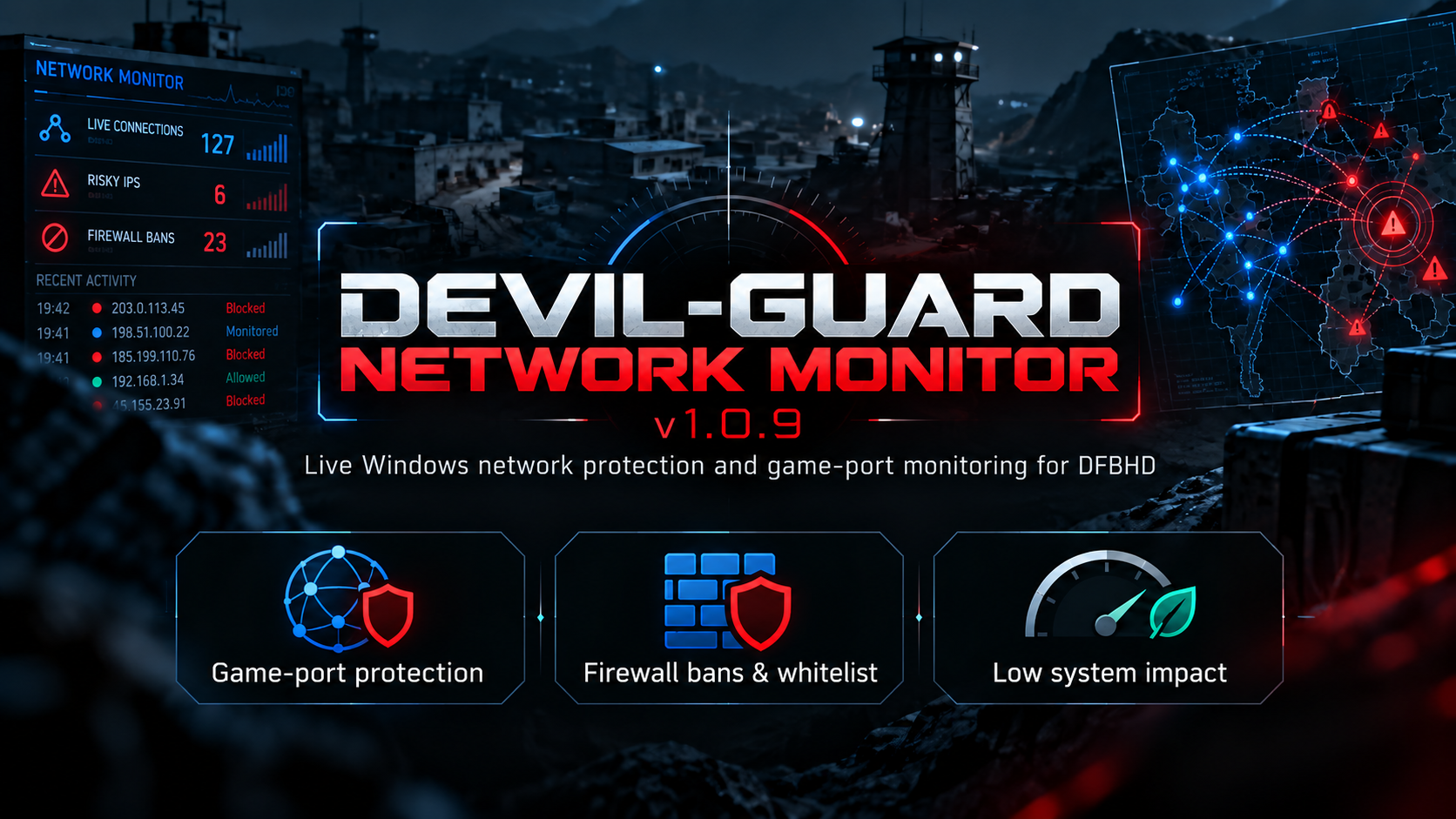
Devil-Guard-Network-Monitor-Setup-1.0.10-x64.exe
Devil-Guard Network Monitor is a lightweight Windows network protection and game-server security tool designed for Game servers. It monitors live TCP and UDP connections, detects suspicious or high-risk IPs, manages firewall bans and whitelists, and protects administrator-defined game and server ports. Protected services can include UDP 17479 for game traffic, TCP/UDP 3899 for server/service traffic, and any additional TCP or UDP ports added through the Game Ports section. Each configured port can be monitored independently, with connected users, blocked IPs, firewall rules, kick controls, and per-port ban management available through the dashboard. The built-in Web UI provides centralized management of live connections, game-port users, firewall bans, whitelists, IP intelligence, API settings and testing, SSL configuration, update management, connection history, firewall rules, and server protection status. The Web UI can operate on the default management port such as 8091, or be configured for secure remote access. For remote administration, Devil-Guard supports HTTPS with SSL/TLS, including Let's Encrypt certificates. A domain such as vpn.devilishservices.com can be configured to open the Web UI directly over standard HTTPS port 443, while port 80 can be used for Let's Encrypt certificate validation. Custom HTTPS ports remain supported where required. not download in testingot download in testing
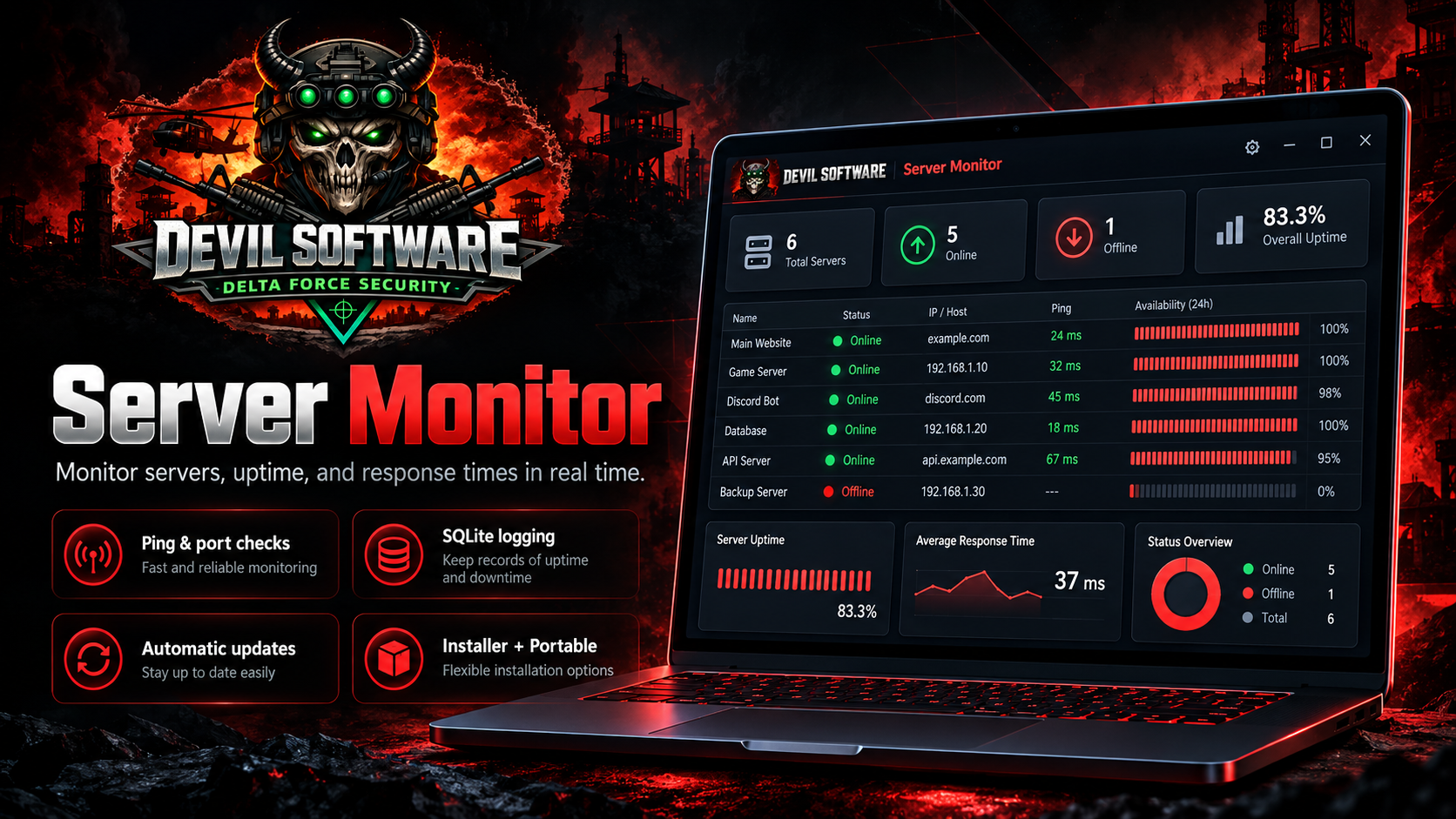
ServerMonitor-Setup.exe
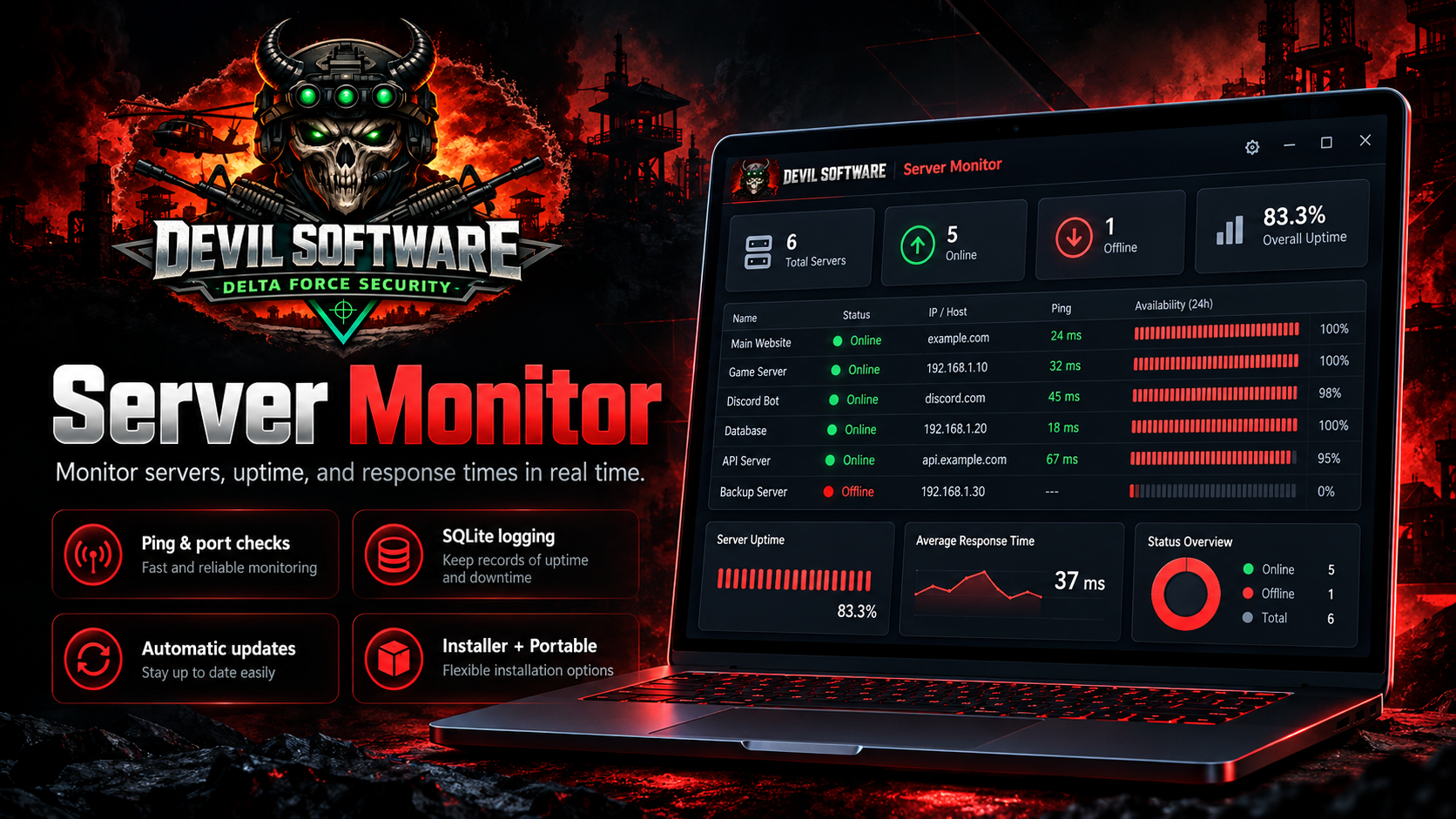
Devil Software Server Monitor is a lightweight Windows monitoring application designed to keep track of remote servers, VPS systems, websites, and network services from one modern dashboard.
Monitor server availability in real time using ICMP ping and TCP port checks, view response times in milliseconds, and quickly identify systems that are online or offline. Each server also includes an availability history with visual uptime bars and percentage tracking, making it easy to spot unreliable systems at a glance.
Server Monitor stores monitoring data locally using SQLite, so your server list, scan history, uptime records, and response information remain available between sessions. The application automatically scans at scheduled intervals and keeps a detailed history without requiring a separate database server.
Key features include:
- Real-time server and VPS monitoring
- Ping response time displayed in milliseconds
- TCP port monitoring, including SSH and RDP
- Per-server uptime and availability percentages
- Visual online/offline history bars
- SQLite database logging
- Add, edit, and delete monitored servers
- Separate hostname and IP address support
- Automatic scheduled scans
- Automatic software update detection
- Secure Devilish Services token activation
- Installed and portable editions
- Modern dark Devil Software dashboard
- Windows system tray integration
Server Monitor is ideal for administrators, hosting providers, game server operators, developers, and anyone who needs a simple way to monitor multiple remote systems without deploying a large monitoring platform.
Supported platform: Windows 64-bit
Technology: .NET 10
Developer: Devil Software / Devilish Services
Monitor server availability in real time using ICMP ping and TCP port checks, view response times in milliseconds, and quickly identify systems that are online or offline. Each server also includes an availability history with visual uptime bars and percentage tracking, making it easy to spot unreliable systems at a glance.
Server Monitor stores monitoring data locally using SQLite, so your server list, scan history, uptime records, and response information remain available between sessions. The application automatically scans at scheduled intervals and keeps a detailed history without requiring a separate database server.
Key features include:
- Real-time server and VPS monitoring
- Ping response time displayed in milliseconds
- TCP port monitoring, including SSH and RDP
- Per-server uptime and availability percentages
- Visual online/offline history bars
- SQLite database logging
- Add, edit, and delete monitored servers
- Separate hostname and IP address support
- Automatic scheduled scans
- Automatic software update detection
- Secure Devilish Services token activation
- Installed and portable editions
- Modern dark Devil Software dashboard
- Windows system tray integration
Server Monitor is ideal for administrators, hosting providers, game server operators, developers, and anyone who needs a simple way to monitor multiple remote systems without deploying a large monitoring platform.
Supported platform: Windows 64-bit
Technology: .NET 10
Developer: Devil Software / Devilish Services
ServerMonitor-Portable.zip
Devil Software Server Monitor is a lightweight Windows monitoring application designed to keep track of remote servers, VPS systems, websites, and network services from one modern dashboard.
Monitor server availability in real time using ICMP ping and TCP port checks, view response times in milliseconds, and quickly identify systems that are online or offline. Each server also includes an availability history with visual uptime bars and percentage tracking, making it easy to spot unreliable systems at a glance.
Server Monitor stores monitoring data locally using SQLite, so your server list, scan history, uptime records, and response information remain available between sessions. The application automatically scans at scheduled intervals and keeps a detailed history without requiring a separate database server.
Key features include:
- Real-time server and VPS monitoring
- Ping response time displayed in milliseconds
- TCP port monitoring, including SSH and RDP
- Per-server uptime and availability percentages
- Visual online/offline history bars
- SQLite database logging
- Add, edit, and delete monitored servers
- Separate hostname and IP address support
- Automatic scheduled scans
- Automatic software update detection
- Secure Devilish Services token activation
- Installed and portable editions
- Modern dark Devil Software dashboard
- Windows system tray integration
Server Monitor is ideal for administrators, hosting providers, game server operators, developers, and anyone who needs a simple way to monitor multiple remote systems without deploying a large monitoring platform.
Supported platform: Windows 64-bit
Technology: .NET 10
Developer: Devil Software / Devilish Services
Monitor server availability in real time using ICMP ping and TCP port checks, view response times in milliseconds, and quickly identify systems that are online or offline. Each server also includes an availability history with visual uptime bars and percentage tracking, making it easy to spot unreliable systems at a glance.
Server Monitor stores monitoring data locally using SQLite, so your server list, scan history, uptime records, and response information remain available between sessions. The application automatically scans at scheduled intervals and keeps a detailed history without requiring a separate database server.
Key features include:
- Real-time server and VPS monitoring
- Ping response time displayed in milliseconds
- TCP port monitoring, including SSH and RDP
- Per-server uptime and availability percentages
- Visual online/offline history bars
- SQLite database logging
- Add, edit, and delete monitored servers
- Separate hostname and IP address support
- Automatic scheduled scans
- Automatic software update detection
- Secure Devilish Services token activation
- Installed and portable editions
- Modern dark Devil Software dashboard
- Windows system tray integration
Server Monitor is ideal for administrators, hosting providers, game server operators, developers, and anyone who needs a simple way to monitor multiple remote systems without deploying a large monitoring platform.
Supported platform: Windows 64-bit
Technology: .NET 10
Developer: Devil Software / Devilish Services
DevilWindowsCleaner.exe
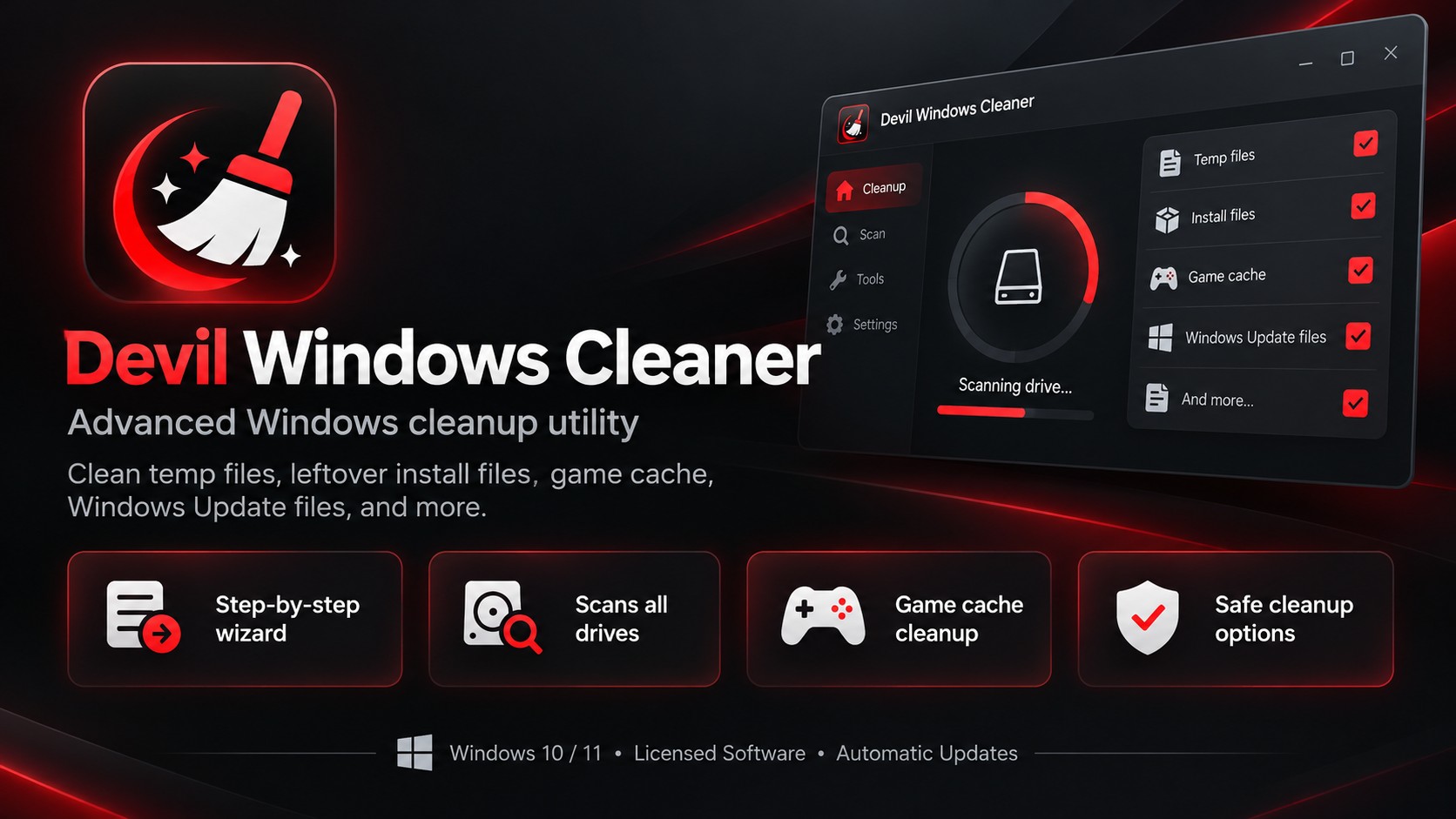
Devil Windows Cleaner is a Windows 10/11 system-cleanup utility designed to safely remove temporary files, application leftovers, graphics caches, game-related cache files, Windows Update downloads, crash reports, and other unnecessary data.
It includes automatic drive detection for internal and external HDDs/SSDs, game-library scanning, optional WinSxS component cleanup, restore-point creation, locked-file handling with delete-on-reboot support, and a review screen so you can see what will be removed before cleanup begins.
The program also includes Devil Software licence validation, automatic update support, cleanup reporting, and a guided 11-step interface designed to make system maintenance straightforward while avoiding user files, saved games, configuration files, and other important data.
It includes automatic drive detection for internal and external HDDs/SSDs, game-library scanning, optional WinSxS component cleanup, restore-point creation, locked-file handling with delete-on-reboot support, and a review screen so you can see what will be removed before cleanup begins.
The program also includes Devil Software licence validation, automatic update support, cleanup reporting, and a guided 11-step interface designed to make system maintenance straightforward while avoiding user files, saved games, configuration files, and other important data.
Devil-Spec-Setup-1.0.12-x64.exe
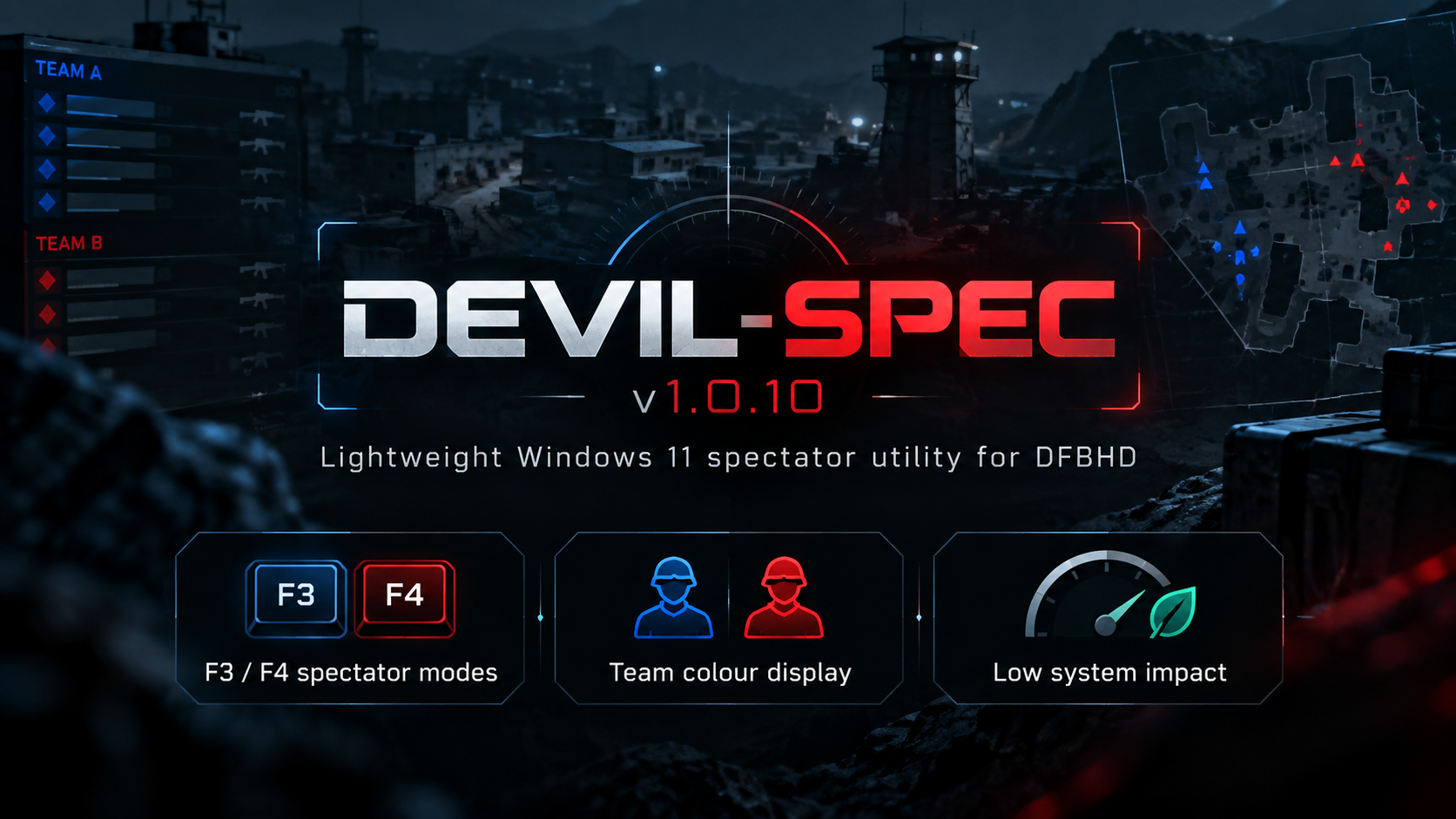
Devil-Spec is a Windows 11 spectator utility designed for Delta Force: Black Hawk Down. It allows players to quickly spectate connected players by selecting a player slot or using in-game chat commands such as !spec 1 or !spec 01.
The software includes configurable spectate and return keybinds, automatic handling when a spectated player disconnects, improved spectator behaviour after death, support for multiple DFBHD clients, and clear on-screen notifications showing who you are currently spectating.
Devil-Spec also includes Devil Software licence validation, device binding, automatic update support, and a streamlined interface designed to make switching between players fast and simple during gameplay.
Requirements: Windows 11 64-bit, Microsoft .NET 10 Desktop Runtime, Administrator access, and a supported Delta Force: Black Hawk Down installation.
The software includes configurable spectate and return keybinds, automatic handling when a spectated player disconnects, improved spectator behaviour after death, support for multiple DFBHD clients, and clear on-screen notifications showing who you are currently spectating.
Devil-Spec also includes Devil Software licence validation, device binding, automatic update support, and a streamlined interface designed to make switching between players fast and simple during gameplay.
Requirements: Windows 11 64-bit, Microsoft .NET 10 Desktop Runtime, Administrator access, and a supported Delta Force: Black Hawk Down installation.
Devil-Debloat.exe
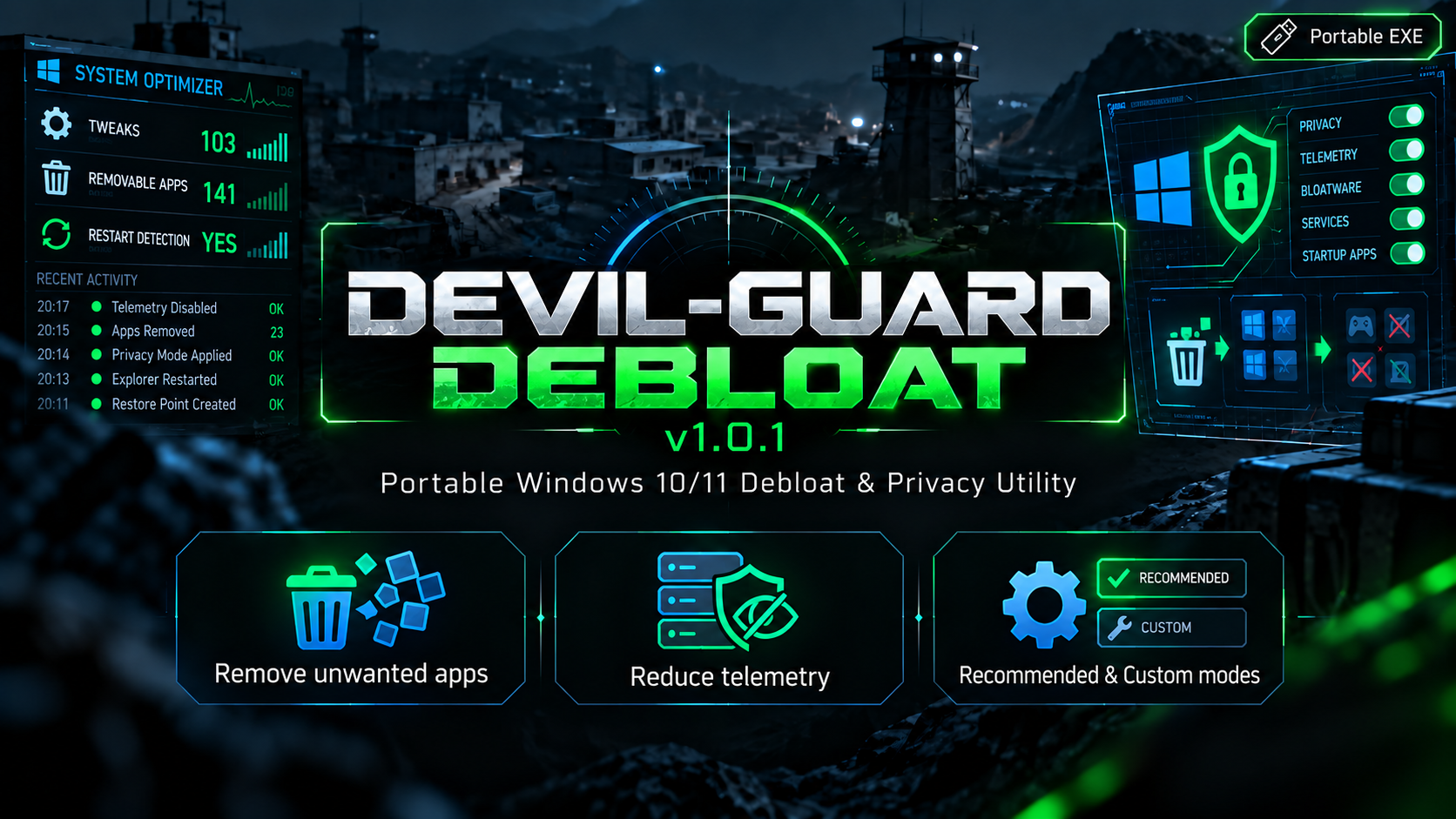
Devil-Guard Debloat is a portable Windows 10/11 optimisation and privacy utility designed to remove unwanted apps, reduce unnecessary telemetry, and give you greater control over Windows system settings.
The program runs as a standalone EXE with no installation required. It provides an easy-to-use interface for managing Windows privacy settings, built-in apps, taskbar and Start menu options, File Explorer behaviour, gaming features, Windows Update settings, optional Windows features, and other system tweaks.
Before applying changes, Devil-Guard Debloat can create backups and a Windows restore point. It also checks whether selected changes require a restart and will only prompt for a reboot when necessary.
Always remember the golden rule if you don;t know what it does re-search it before doing so don't just randomly select components you do not understand
The program runs as a standalone EXE with no installation required. It provides an easy-to-use interface for managing Windows privacy settings, built-in apps, taskbar and Start menu options, File Explorer behaviour, gaming features, Windows Update settings, optional Windows features, and other system tweaks.
Before applying changes, Devil-Guard Debloat can create backups and a Windows restore point. It also checks whether selected changes require a restart and will only prompt for a reboot when necessary.
Always remember the golden rule if you don;t know what it does re-search it before doing so don't just randomly select components you do not understand